OpenAI's Spend Controls Move ChatGPT Enterprise Into the CFO Phase
OpenAI’s latest ChatGPT Enterprise update is easy to dismiss as admin-console plumbing. It matters more than that. On June 18, OpenAI launched credit usage analytics and updated spend controls that put ChatGPT and Codex credit usage in one Global Admin Console view and add monthly limits by workspace default, group, and individual user.
The practical takeaway: if you already run ChatGPT Enterprise or Edu, adopt these controls soon. Existing weekly limits in Permissions & Roles are scheduled to auto-migrate on July 15, 2026 if admins do not configure the new Usage Limits directly.
Key takeaways:
- ChatGPT and Codex credit usage now appear in one admin view, broken down by user, product, and model.
- Usage Limits move spend control to monthly workspace-default, group, and user-level rules.
- A unified Cost API lets finance, IT, and analytics teams pull usage data into their own reporting.
- Enterprise AI cost is shifting from seat management to metered credit governance.
Why this matters now
Seat counts no longer explain enterprise AI spend. OpenAI’s flexible pricing guidance says Enterprise and Edu workspaces can use shared credit pools for advanced features such as Deep Research, thinking models, image generation, advanced voice, and Codex. OpenAI’s ChatGPT rate card and Codex rate card show why usage varies by product and model, not just by employee.
That creates a different management problem. A developer running Codex, a research team using Deep Research, and a casual ChatGPT user may all hold seats, but their credit consumption and business value can be very different. CNA reported the launch as a cost-management move for ChatGPT Enterprise.
What the controls do
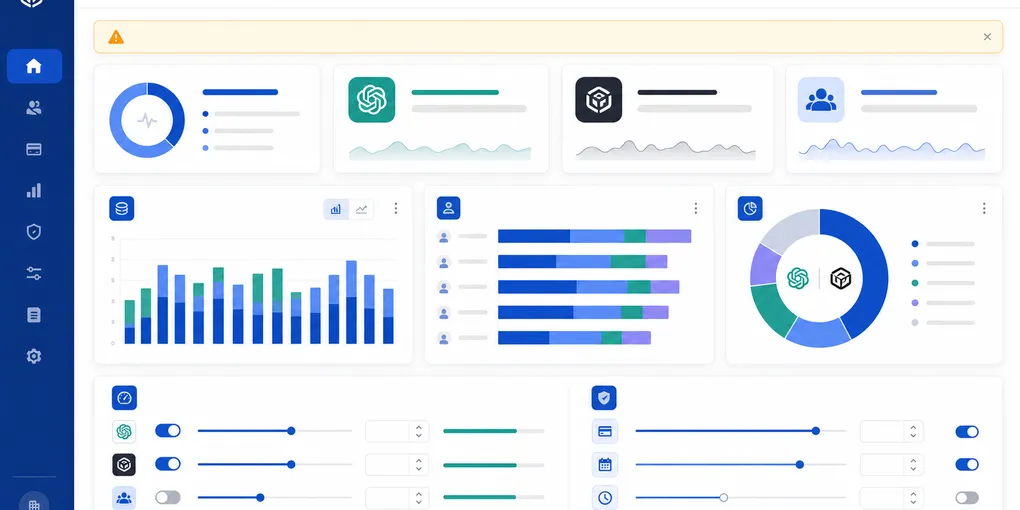
The Global Admin Console now shows credit usage across ChatGPT and Codex with breakdowns by user, product, and model. Admins can identify top consumers, spot team-level patterns, and use the Cost API to connect usage data to finance or operations reporting.
The new Usage Limits settings replace reliance on older weekly limits. Workspace owners and admins can set monthly guardrails at three levels:
- Workspace default — the baseline monthly per-user limit for the workspace.
- Group limits — different caps for teams such as engineering, support, finance, or contractors.
- User overrides — exceptions for power users without raising the cap for everyone.
Employees can also see their own usage against budget and request more credits with context. The goal should not be blunt throttling; it should be routing scarce AI capacity toward workflows that justify the cost.
What operators should do before July 15
For Enterprise and Edu admins, the next step is not another AI strategy meeting. It is a controlled admin and finance cleanup:
- Document current limits. Capture weekly limits still set under Workspace Settings → Permissions & Roles.
- Configure Usage Limits directly. OpenAI says the new Usage Limits tab takes precedence when both old and new settings exist.
- Translate limits intentionally. Do not simply multiply weekly caps by four; monthly windows, UTC timing, group hierarchy, and power-user exceptions can change the real constraint.
- Separate baseline users from power workflows. Give most users a default cap, but create higher limits where Codex, research, analysis, or support workflows have measurable value.
- Connect usage to reporting. Pull Cost API data or exports into monthly finance/admin review before usage patterns harden.
For buyers not on ChatGPT Enterprise, the lesson still applies: ask every AI vendor for user-level usage analytics, group caps, API/export access, budget request workflows, auditability, and migration notices. The vendor with stronger governance may be easier to scale safely than the vendor with the flashiest demo.
Watch whether Anthropic, Google, Microsoft, GitHub, and SaaS-native AI products converge on comparable admin controls. AI spend governance is becoming a procurement requirement, not an enterprise extra.
Frequently Asked Questions
Does this apply to ChatGPT Business or only Enterprise?
OpenAI’s announcement focuses on ChatGPT Enterprise. The Help Center material describes Usage Limits for Enterprise and Edu workspaces and plans with RBAC/custom roles. Business workspaces may have related credit-management mechanics, but admins should check their own controls rather than assume exact Enterprise behavior.
What happens if admins do nothing before July 15?
OpenAI Help Center guidance says older weekly Permissions & Roles limits remain a fallback until July 15. After that, remaining weekly limits are scheduled to migrate to monthly workspace and group defaults, and the old weekly setting will no longer take effect.
Is this proof that ChatGPT Enterprise is becoming expensive?
No. It is proof that OpenAI expects usage to vary enough that pooled credits need governance. The operator question is whether high-consumption workflows are visible, budgeted, and tied to business outcomes.