OpenAI Lockdown Mode Trades Tools for Security
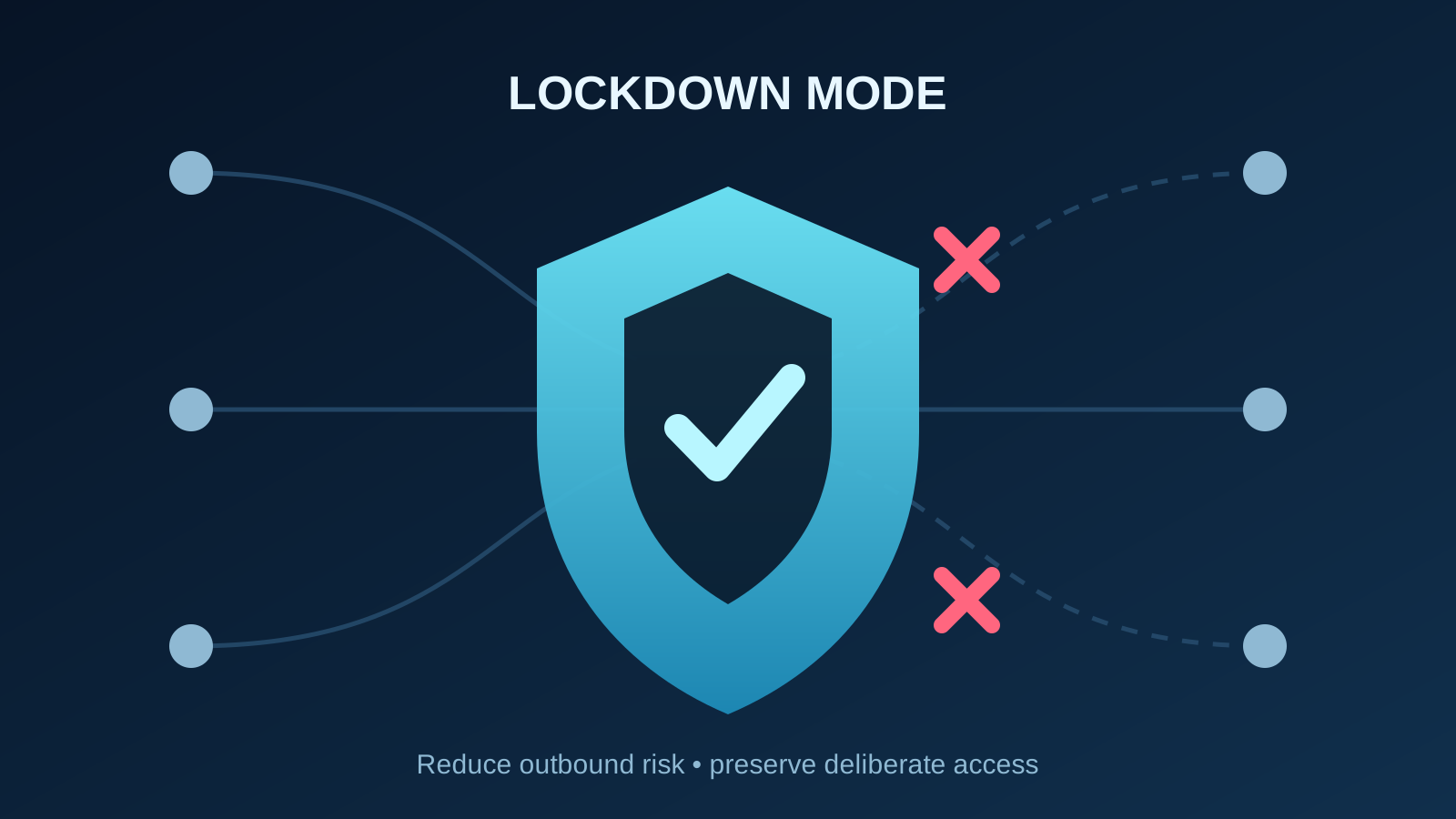
OpenAI has introduced Lockdown Mode, an optional security setting that limits outbound connections to reduce prompt-injection data exfiltration. It also disables useful capabilities, including live browsing, deep research, agent mode, networked Canvas code, and file downloads. Operators should run a small test with sensitive roles rather than switch it on across the company.
Key Takeaways
- Lockdown Mode constrains exfiltration paths; it does not eliminate prompt injection.
- Live browsing, deep research, agent mode, and file downloads are limited or disabled.
- Managed-workspace apps need separate role and action reviews.
- Test sensitive roles against real workflows before wider adoption.
What does Lockdown Mode actually block?
As documented on October 20, 2026, OpenAI describes Lockdown Mode as an optional advanced security setting for eligible accounts and supported managed workspaces. Availability depends on the plan, workspace, product surface, rollout, and administrator configuration.
The control limits outbound network requests that could carry stolen data. Live browsing falls back to cached content; deep research and agent mode are disabled; Canvas code cannot receive network approval; and ChatGPT cannot download files for analysis. Manual uploads and image generation can remain available.
This is a security boundary, not a prompt-injection cure. OpenAI says malicious instructions can still appear in cached pages or uploaded files and still distort an answer. Lockdown Mode aims at the final exfiltration step. It also does not change memory, training controls, conversation sharing, file uploads, or Codex network access.
Why is this a role-design decision?
The sharp operator insight is that stronger protection arrives by removing capability. A finance user analyzing confidential files may accept stale web results and no agent mode. A competitive-intelligence team may find those limits destroy the workflow.
Managed workspaces add another complication: Lockdown Mode does not automatically disable every app or MCP connection. OpenAI tells administrators to review roles, app assignment, read and write actions, source-system permissions, and visibility of side effects. Its enterprise setup guidance separately recommends staged access, custom roles, approved connections, and recurring audits as capabilities change.
That supports the broader lesson in our prompt-injection analysis: security depends on the authority surrounding the model, not only the model’s resistance. It also extends the inventory problem described in our shadow-AI briefing.
How should operators test it now?
Choose one sensitive group and compare ten representative tasks with and without Lockdown Mode. Record completion rate, stale or missing sources, blocked apps, file-handling failures, workarounds, review time, and any attempted external action.
Then inspect effective permissions. OpenAI’s app administration documentation says verified-domain restrictions do not disconnect existing app connections automatically. Review trusted apps, write actions, connected accounts, and logs rather than treating one switch as complete containment.
Use OpenAI’s prompt-injection guidance as the baseline: keep agent access narrow, require confirmation for consequential actions, and avoid vague instructions that grant broad discretion. Put sensitive roles into a custom Lockdown Mode role only if the test shows acceptable operating cost.
For operators, the move is not a company-wide lockdown. Test the highest-risk roles, document the lost capabilities, and preserve separate controls for apps and Codex. Watch for independent security testing, broader availability, finer-grained exceptions, and evidence from real managed-workspace deployments.
FAQs
Does Lockdown Mode stop prompt injection?
No. OpenAI says it can reduce some data-exfiltration paths, but malicious content can still influence behavior or accuracy.
Does it disable every connected app?
No. Managed workspaces still need app, role, action, and source-permission reviews. Personal and self-serve Business behavior differs.
Should every employee use it?
Not automatically. Test roles that handle sensitive data first, then compare the security gain against lost web, agent, research, and file capabilities.