ChatGPT Login Adds a New Enterprise Identity Layer
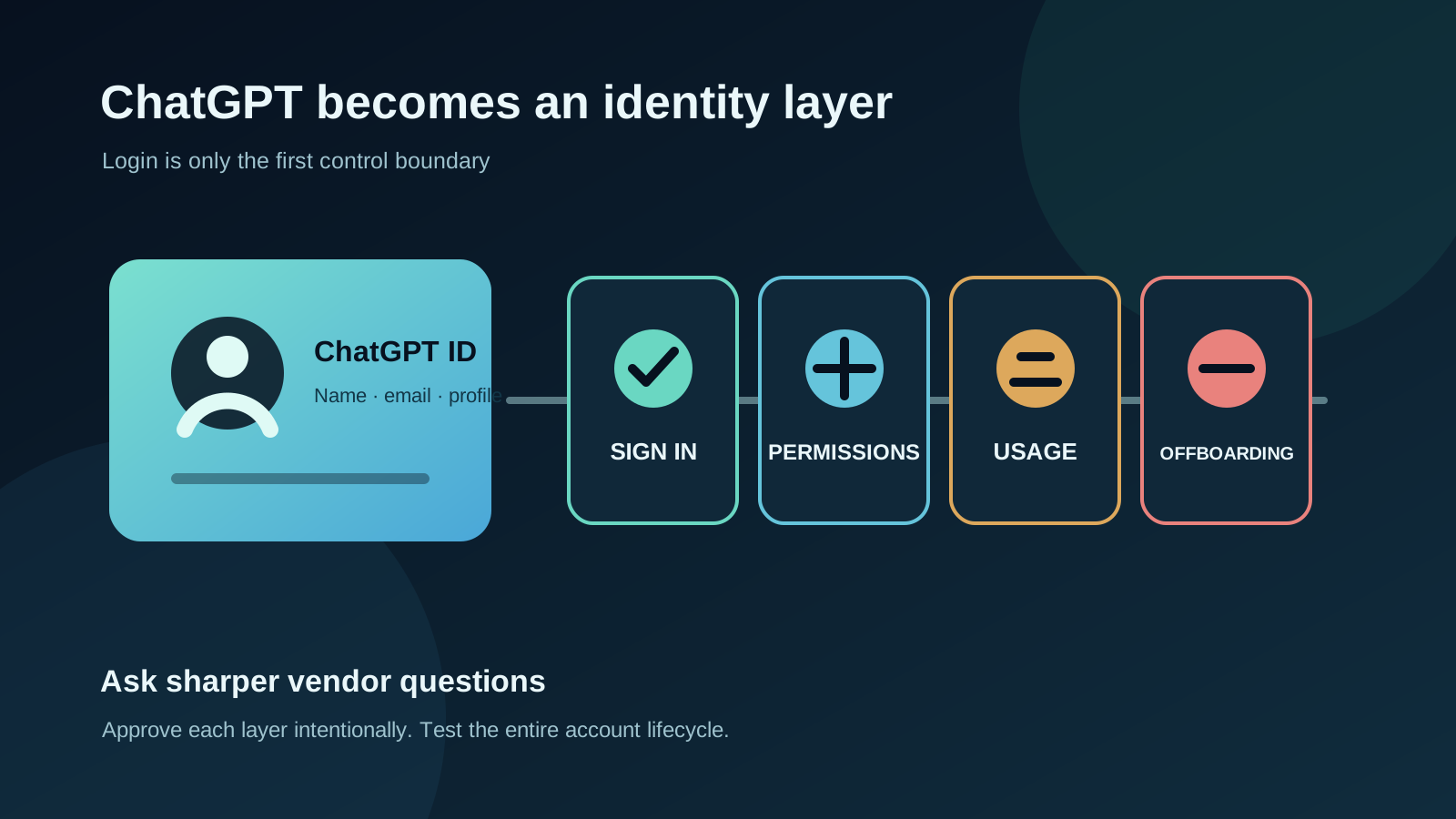
OpenAI has introduced Sign in with ChatGPT, letting people use a ChatGPT identity to access participating external applications. For operators, the important change is not login convenience. It is a new identity, permission, usage, and offboarding surface that is enabled by default for organizations without an explicit policy. Ask sharper vendor questions before employees begin using it broadly.
Key Takeaways
- ChatGPT credentials can now create, link, or access external accounts.
- Identity sign-in is separate from delegated data and usage permissions.
- Unconfigured organizations have sign-in enabled by default.
- Audit app approval, usage limits, revocation, and offboarding now.
What did OpenAI actually launch?
OpenAI says Sign in with ChatGPT is globally available to authenticated users, including Enterprise users, and is rolling out across selected plugins and partner sites. Its initial partner list includes Airtable, GitLab, HubSpot, Notion, Supabase, and Vercel.
Basic sign-in releases a user’s name, email address, and profile picture to the external application. OpenAI says it does not independently share ChatGPT conversations, memory, files, tokens, billing information, or other account data. An application can request additional access, but that requires a separate authorization flow.
That distinction matters. A familiar login button is not proof that the application has broad ChatGPT access, yet it can still create or link an external account and establish a new dependency on the employee’s ChatGPT identity.
Why does ChatGPT login matter to operators?
Identity is becoming part of the AI platform, alongside models, agents, apps, and billing. OpenAI says Sign in with ChatGPT is enabled by default where an organization has not set an explicit identity policy. Global administrators can manage external application permissions in the Admin Console; ordinary workspace ownership does not automatically grant that tenant-level authority.
The controls are layered. Identity sign-in does not automatically authorize connected-app or advertising data. Organization approval also does not replace the employee’s own authorization or existing product permissions. That separation is useful, but it creates multiple places to inspect during access reviews.
The same pattern appears in ChatGPT Sites, where each visitor uses their own connected accounts and existing permissions. This extends the control-plane issue in our shadow-AI briefing and agent-permissions analysis: the visible app is only one layer; identity, delegated data, and downstream actions need separate governance.
What should businesses do now?
Do not block the feature reflexively. First, have the global administrator review the External access policy and set an intentional default. Inventory approved applications, identify who owns each relationship, and test one employee’s complete lifecycle: sign in, link an account, grant and revoke an extra permission, leave the organization, and delete the partner account.
If a tool requests plan usage, treat that as a separate budget control. OpenAI’s plan-sharing documentation says eligible users can set weekly per-app limits, while app subscriptions and other charges remain separate. It also warns that disconnecting an app, signing out, and deleting information already received are different actions.
Ask each vendor which identifier becomes the account key, how domain changes and employee departures are handled, what administrators can audit, how emergency revocation works, and what data survives disconnection. Review OpenAI’s tenant-management controls before approving broad use.
Watch next for wider partner availability, admin audit exports, automated lifecycle integration, and independent evidence that revocation works across both OpenAI and partner systems.
FAQs
Does Sign in with ChatGPT share my conversations?
OpenAI says identity sign-in alone does not share ChatGPT conversations or memory. Applications can request separate permissions, which users and administrators should review independently.
Is Sign in with ChatGPT enabled for enterprises?
Yes. OpenAI says it is available to Enterprise users and enabled by default when an organization has not established an explicit identity policy.
Should companies disable it immediately?
Not necessarily. Set an intentional default, approve specific applications, test revocation and offboarding, and separate login permission from data and usage authorization.